> ## Documentation Index
> Fetch the complete documentation index at: https://docs.tokensmind.ai/llms.txt
> Use this file to discover all available pages before exploring further.

# OpenClaw

> OpenClaw 是一个开源的智能体平台，可在你的本地机器上运行，并能通过你已经在使用的聊天应用来工作。

## 安装

<Note>
  安装前请确保 Node>=22
</Note>

执行安装指令

```shellscript theme={null} theme={null}
npm install -g openclaw@latest
```

### 终端配置

打开终端，运行以下指令开始配置

```shellscript theme={null} theme={null}
openclaw onboard
```

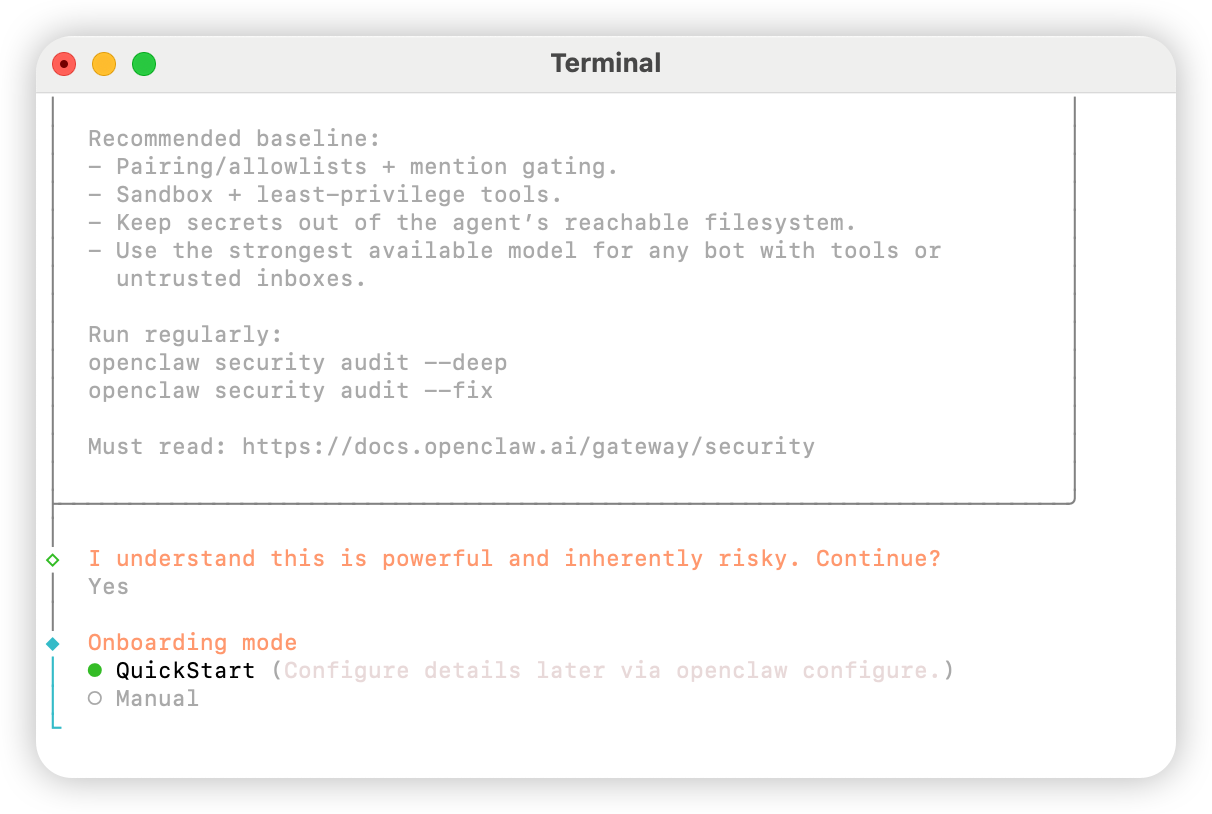
选择 `Yes`
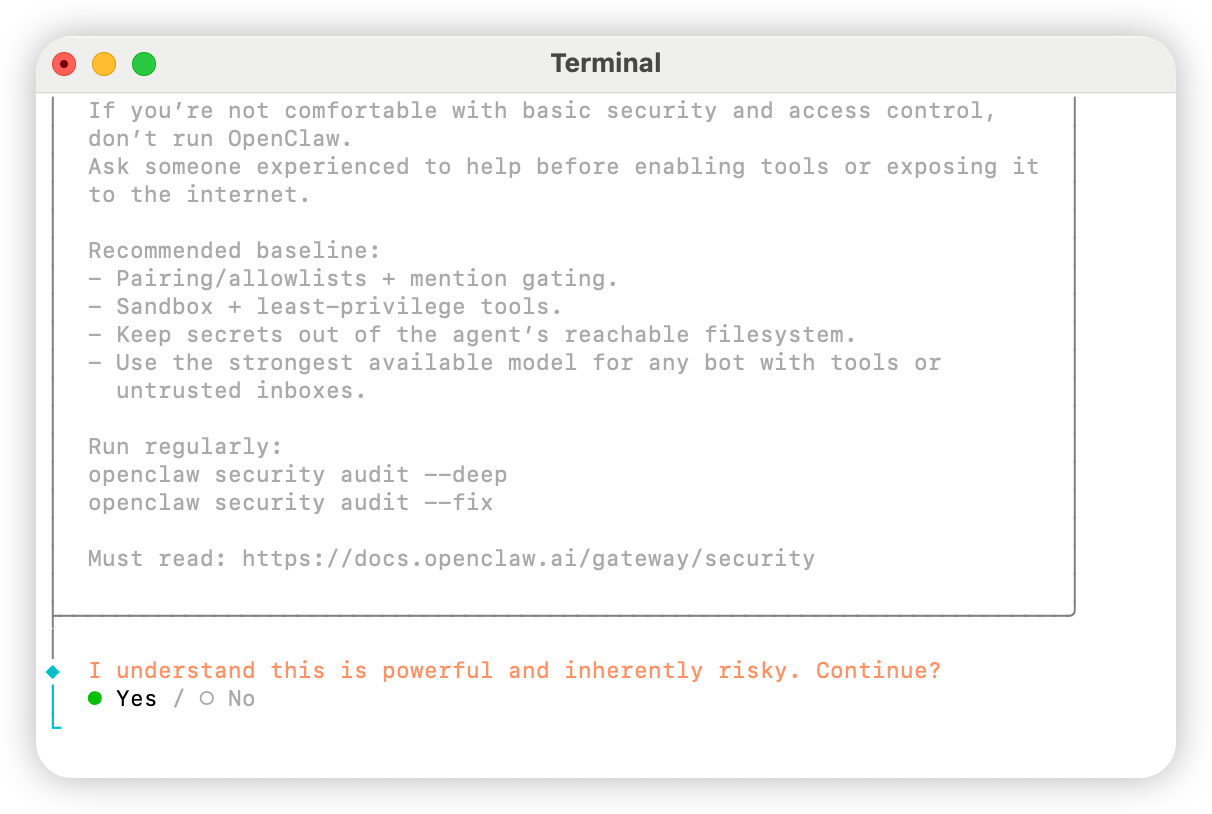
<img src="https://mintcdn.com/aihubmix/WotSdjzuAai7hVOs/public/cn/oc-1.png?fit=max&auto=format&n=WotSdjzuAai7hVOs&q=85&s=88d5674d5255b84d695044b7e36fbfcc" alt="Oc 1" width="1212" height="814" data-path="public/cn/oc-1.png" />

选择 `QuickStart`

<img src="https://mintcdn.com/aihubmix/WotSdjzuAai7hVOs/public/cn/oc-2.png?fit=max&auto=format&n=WotSdjzuAai7hVOs&q=85&s=093443c0dc408dfaa6b6b4eba004e8d1" alt="Oc 2" width="1212" height="814" data-path="public/cn/oc-2.png" />

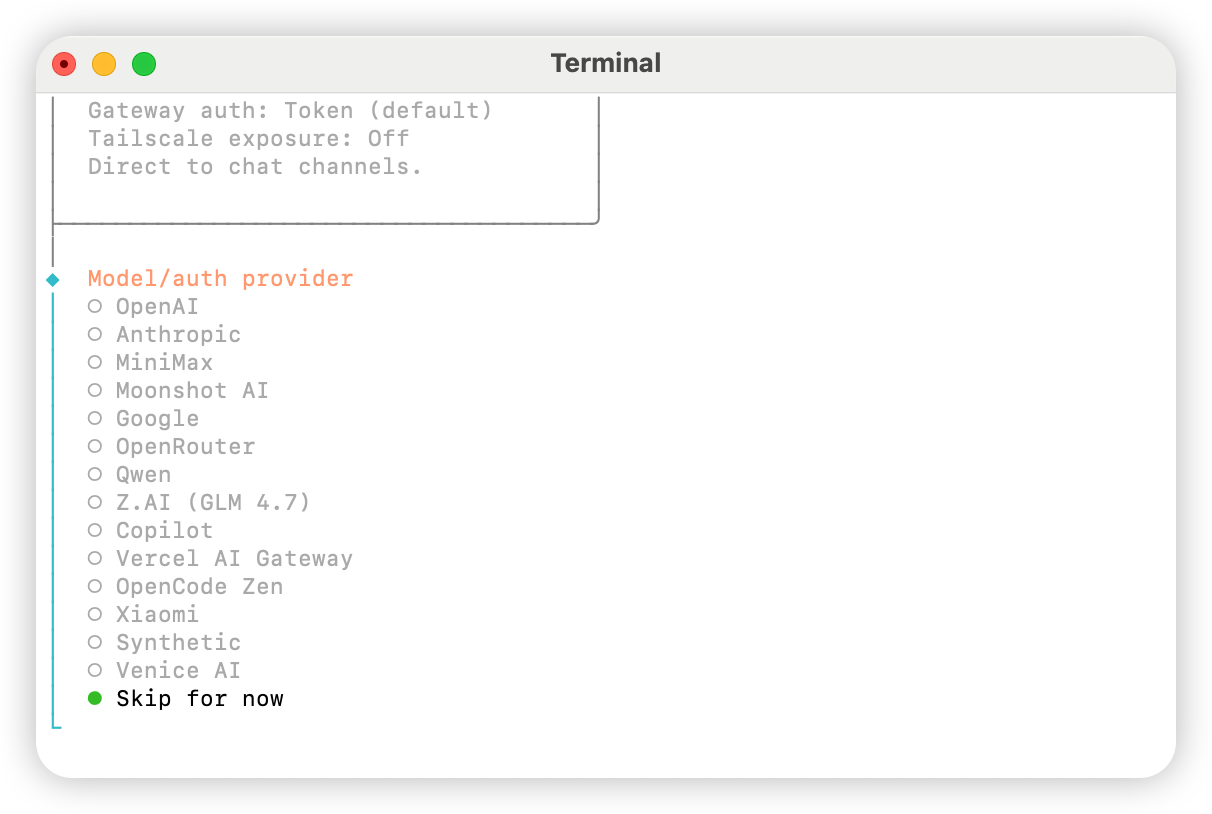
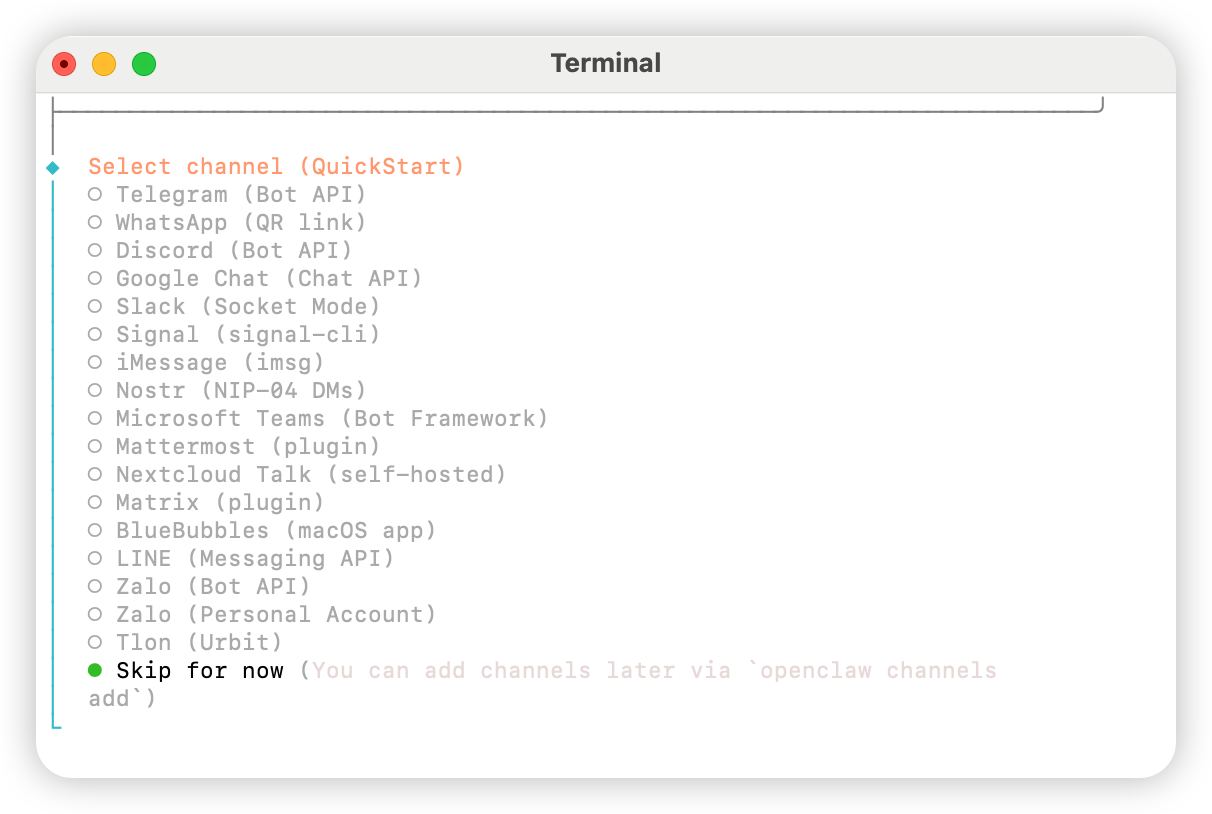
选择 `Skip for now`

<img src="https://mintcdn.com/aihubmix/WotSdjzuAai7hVOs/public/cn/oc-3.png?fit=max&auto=format&n=WotSdjzuAai7hVOs&q=85&s=690bbdc272c9e3de0eec7fb3bb65ca93" alt="Oc 3" width="1212" height="814" data-path="public/cn/oc-3.png" />

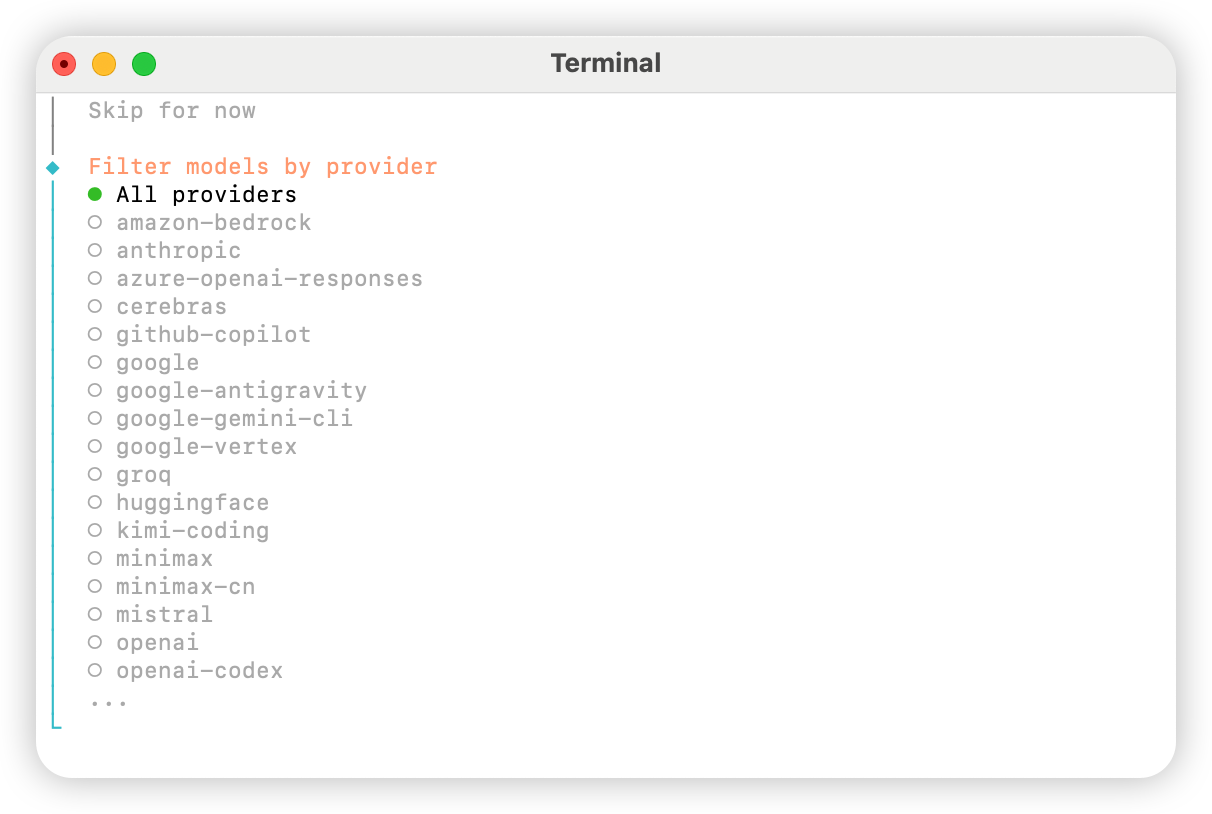
选择 `All providers`

<img src="https://mintcdn.com/aihubmix/WotSdjzuAai7hVOs/public/cn/oc-4.png?fit=max&auto=format&n=WotSdjzuAai7hVOs&q=85&s=03c0af702000f97a0c53470300f0f3a7" alt="Oc 4" width="1212" height="814" data-path="public/cn/oc-4.png" />

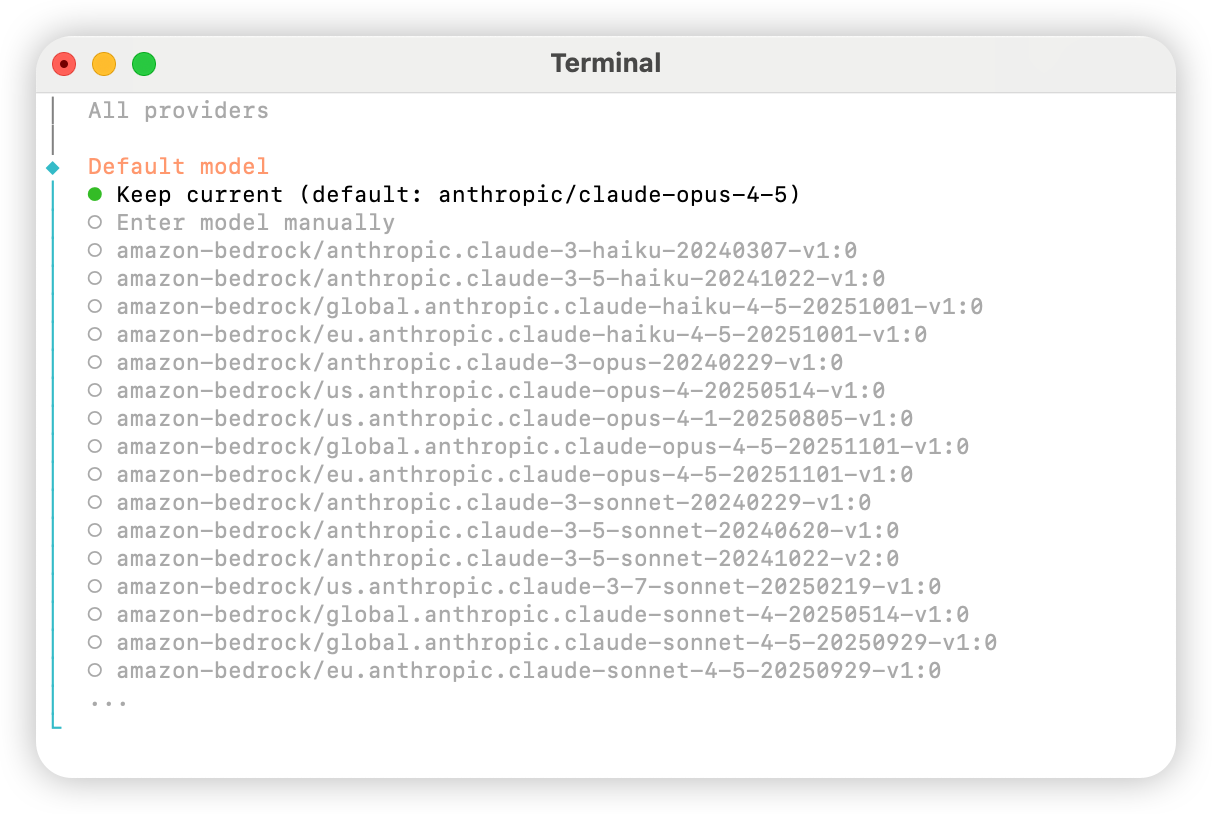
根据需求选择默认模型，可以先选择 `Keep current` ,下一步会在配置文件中修改

<img src="https://mintcdn.com/aihubmix/WotSdjzuAai7hVOs/public/cn/oc-5.png?fit=max&auto=format&n=WotSdjzuAai7hVOs&q=85&s=996d39a888f2f5b739dbfc8bcc0f033f" alt="Oc 5" width="1212" height="814" data-path="public/cn/oc-5.png" />

根据需求关联个人账户，如无相关需求请选择 `Skip for now`

<img src="https://mintcdn.com/aihubmix/WotSdjzuAai7hVOs/public/cn/oc-6.png?fit=max&auto=format&n=WotSdjzuAai7hVOs&q=85&s=28b73573f717822c0786788c582aa99e" alt="Oc 6" width="1212" height="814" data-path="public/cn/oc-6.png" />

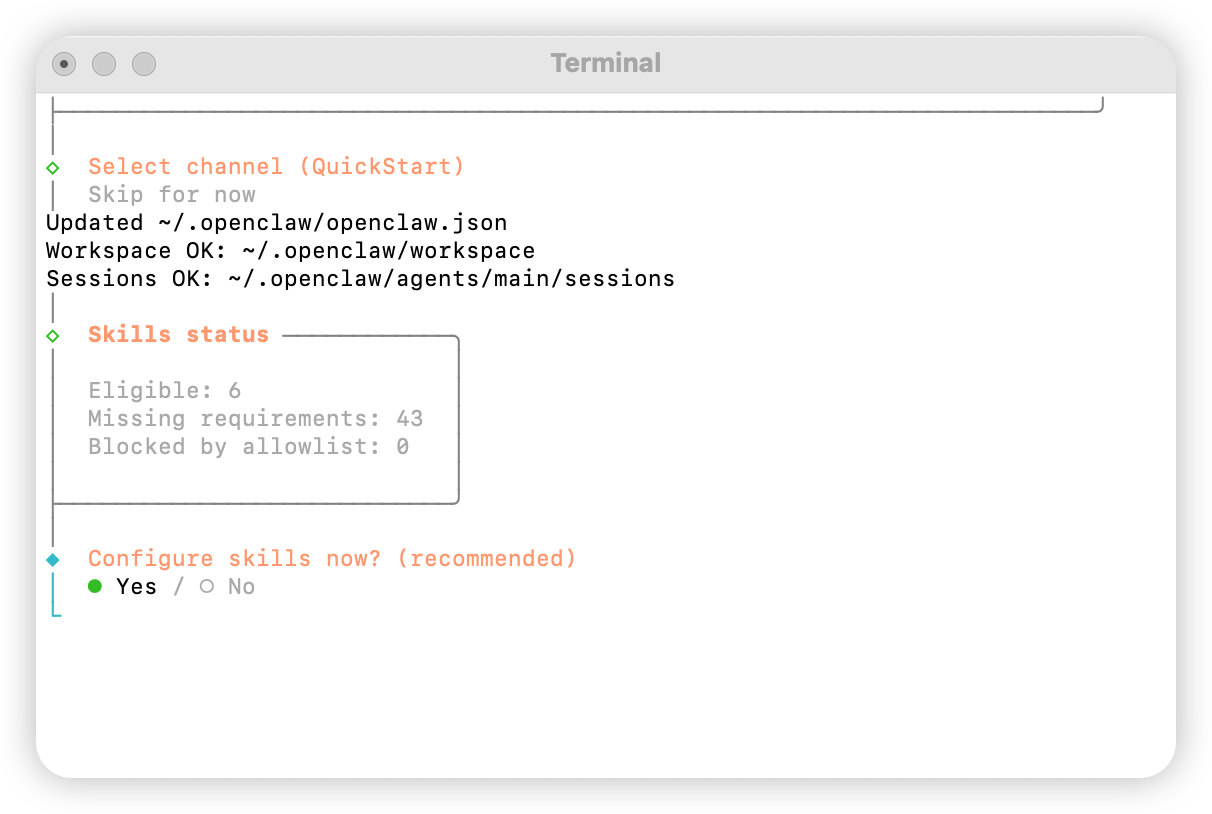
配置技能，选择 `Yes`

<img src="https://mintcdn.com/aihubmix/WotSdjzuAai7hVOs/public/cn/oc-7.png?fit=max&auto=format&n=WotSdjzuAai7hVOs&q=85&s=fe9c36aac91dd294ccce4a1ee12ad0e0" alt="Oc 7" width="1212" height="814" data-path="public/cn/oc-7.png" />

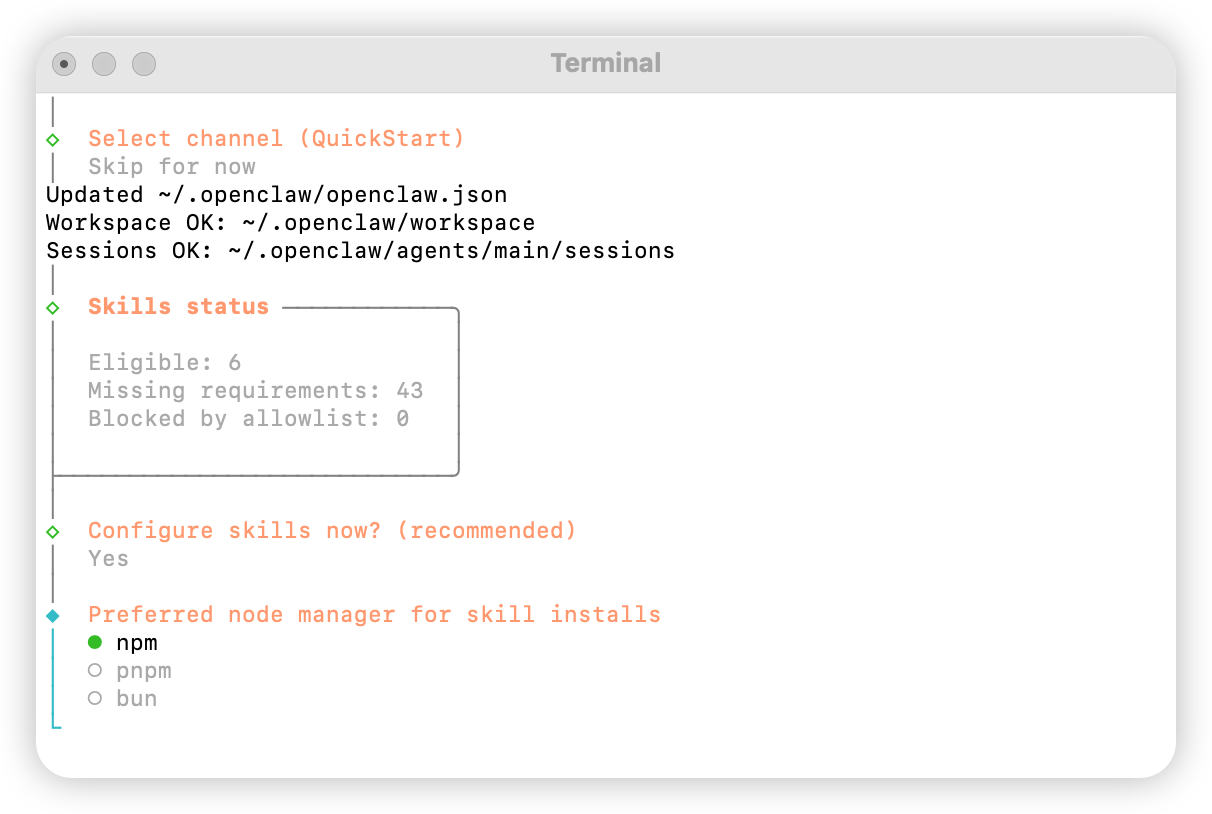
选择 `npm`

<img src="https://mintcdn.com/aihubmix/WotSdjzuAai7hVOs/public/cn/oc-8.png?fit=max&auto=format&n=WotSdjzuAai7hVOs&q=85&s=c6eef11c88ae8f783e8d12bd196bdd0c" alt="Oc 8" width="1212" height="814" data-path="public/cn/oc-8.png" />

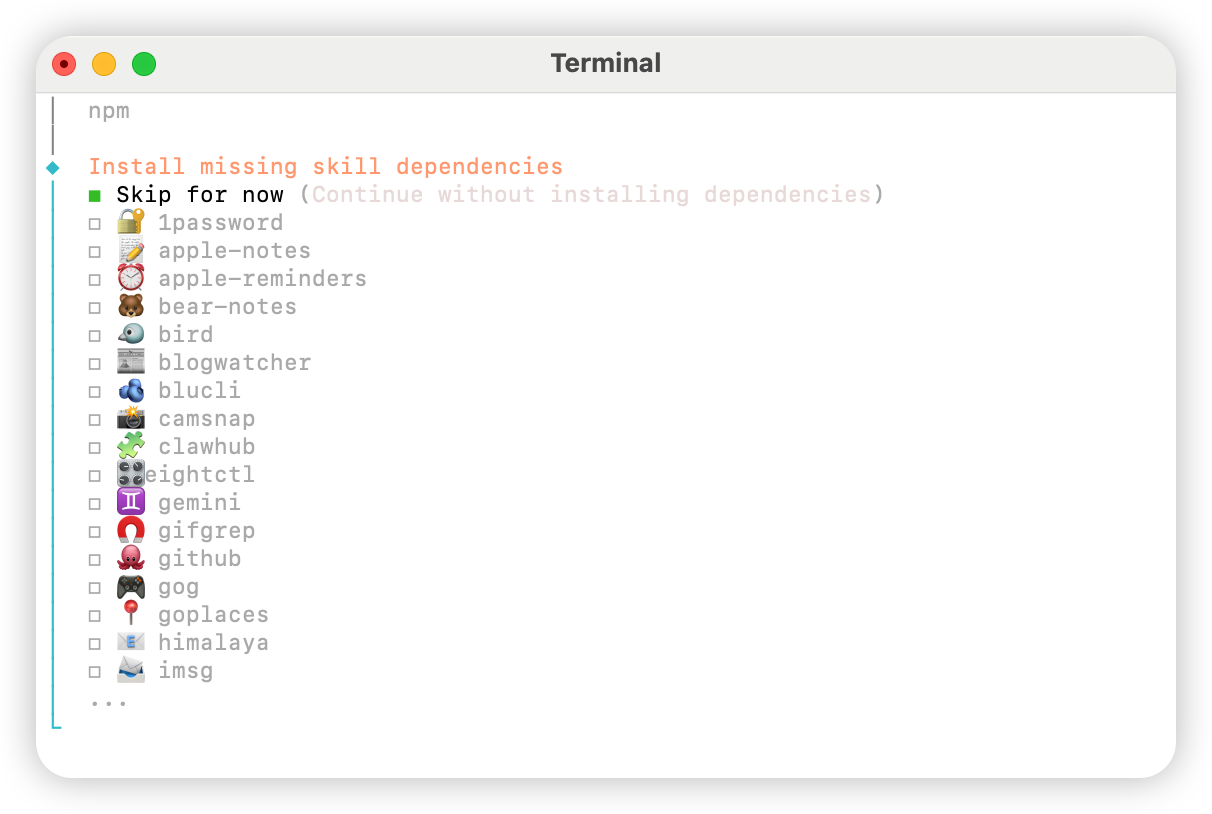
根据需求配置技能选择

<img src="https://mintcdn.com/aihubmix/WotSdjzuAai7hVOs/public/cn/oc-9.png?fit=max&auto=format&n=WotSdjzuAai7hVOs&q=85&s=0ae533bdae76daf8939f91acc8df90dc" alt="Oc 9" width="1212" height="814" data-path="public/cn/oc-9.png" />

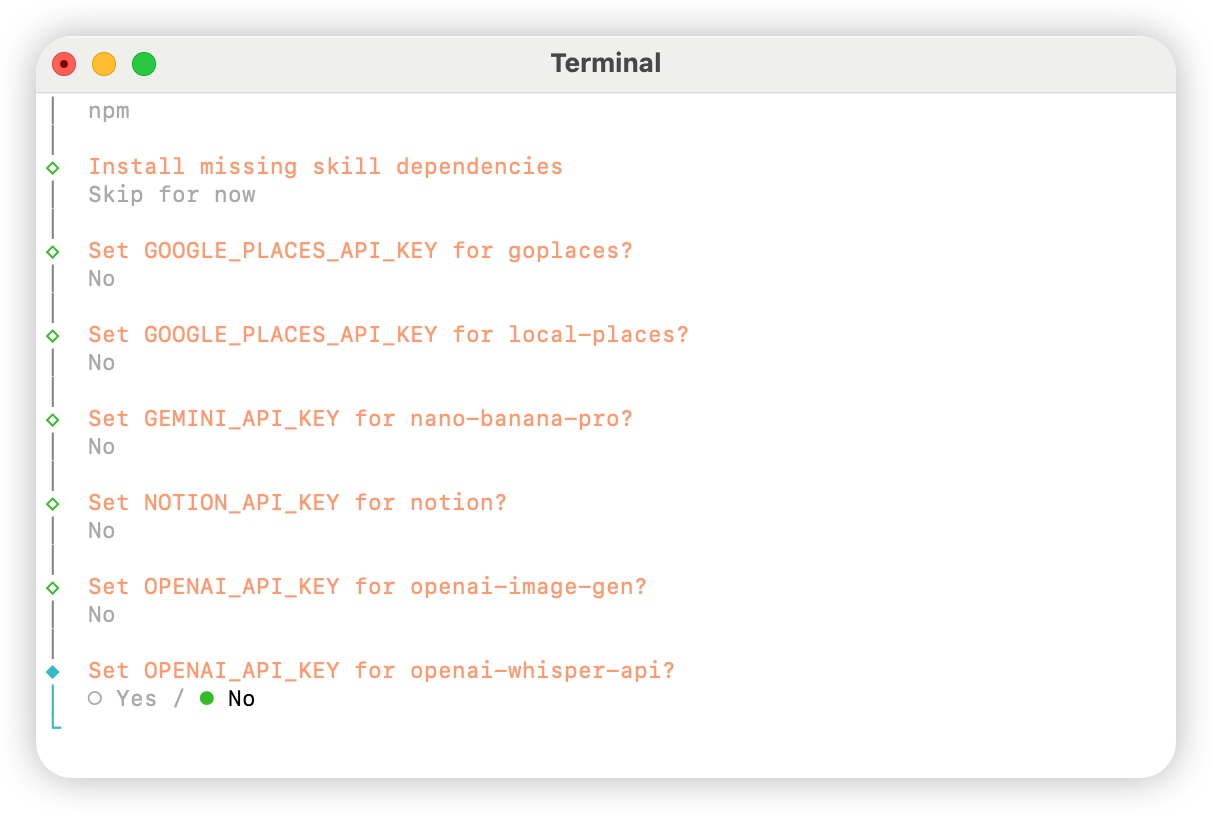
全部选择 `No`

<img src="https://mintcdn.com/aihubmix/WotSdjzuAai7hVOs/public/cn/oc-10.png?fit=max&auto=format&n=WotSdjzuAai7hVOs&q=85&s=30834a010846ee0b3f53e13770346bca" alt="Oc 10" width="1212" height="814" data-path="public/cn/oc-10.png" />

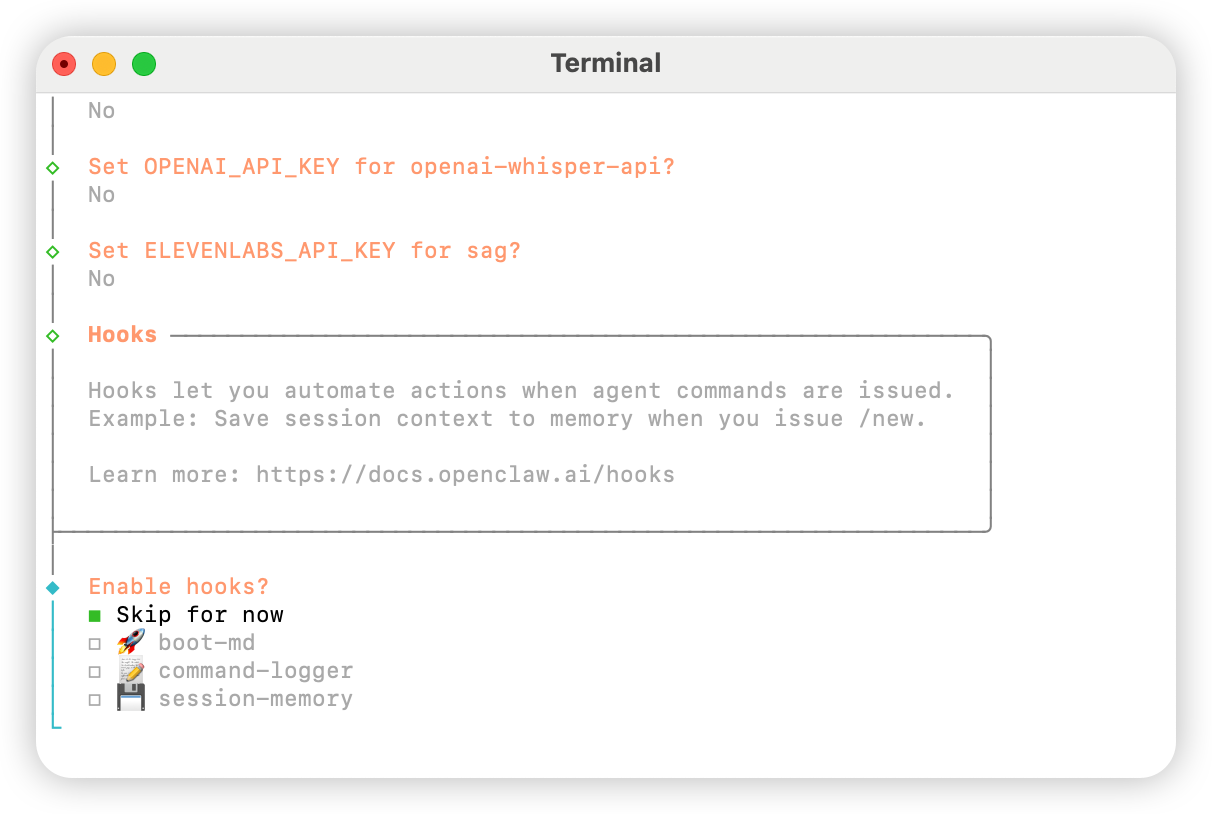
选择 `Skip for now`

<img src="https://mintcdn.com/aihubmix/WotSdjzuAai7hVOs/public/cn/oc-11.png?fit=max&auto=format&n=WotSdjzuAai7hVOs&q=85&s=1473f71f42c750cf132f321f9b4bc5bb" alt="Oc 11" width="1212" height="814" data-path="public/cn/oc-11.png" />

选择 `Hatch in UI`