Usage
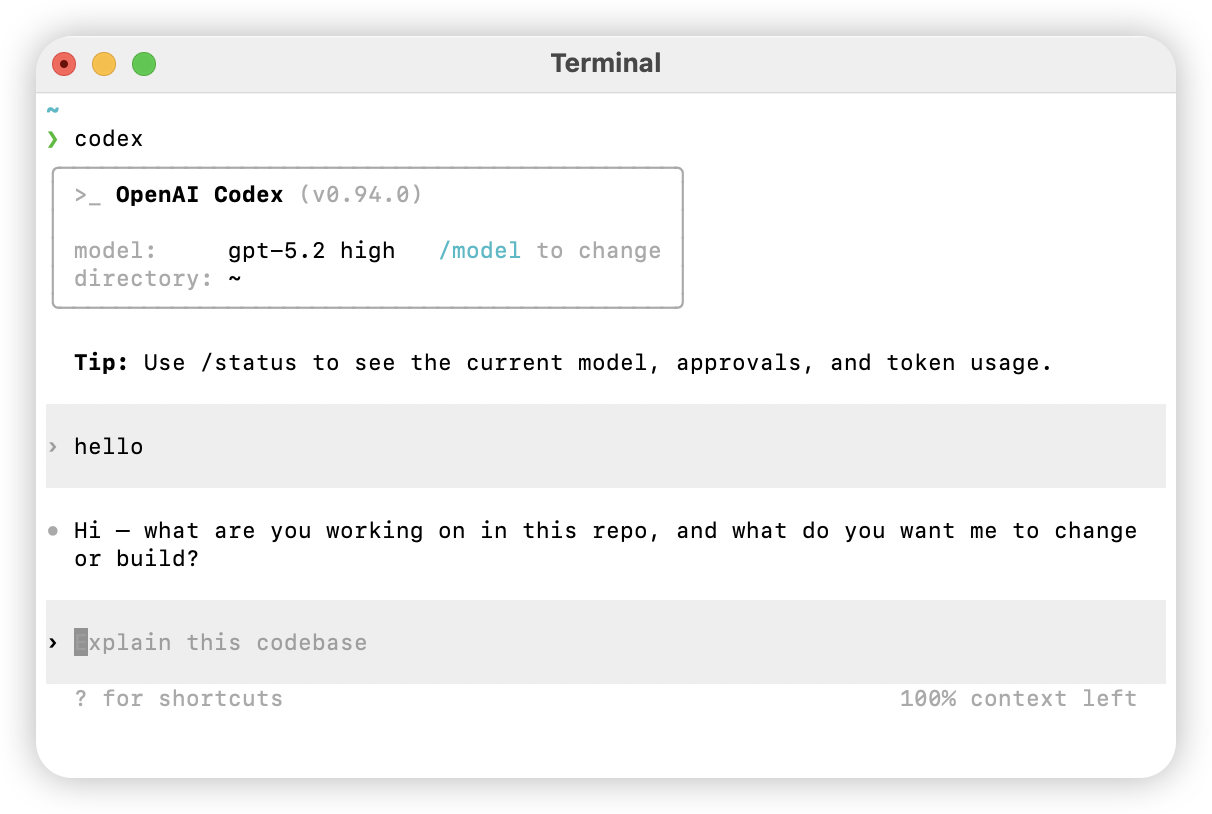
  $ codex [options] <prompt>

Options
  -h, --help                 Show help and exit
  -m, --model <model>        Model to use (default: codex-mini-latest)
  -i, --image <path>         Path to an image input file
  -v, --view <rollout>       Inspect a saved rollout
  -q, --quiet                Non-interactive: print only final assistant output
  -a, --approval-mode <mode>  Override approval: 'suggest', 'auto-edit', or 'full-auto'

  --auto-edit                Auto-approve file edits; still confirm shell commands
  --full-auto                Auto-approve edits and commands in the sandbox

  --no-project-doc           Do not auto-include repo `codex.md`
  --project-doc <file>       Include a specific Markdown file as context
  --full-stdout              Do not truncate command stdout/stderr

Dangerous
  --dangerously-auto-approve-everything
                             Skip all confirmations and run commands (no sandbox)
                             For temporary local testing only

Experimental
  -f, --full-context         “Full context” mode: load the whole repo and batch-edit
                             Requires --model

Examples
  $ codex "Write and run a Python program that prints ASCII art"
  $ codex -q "Fix the build"